
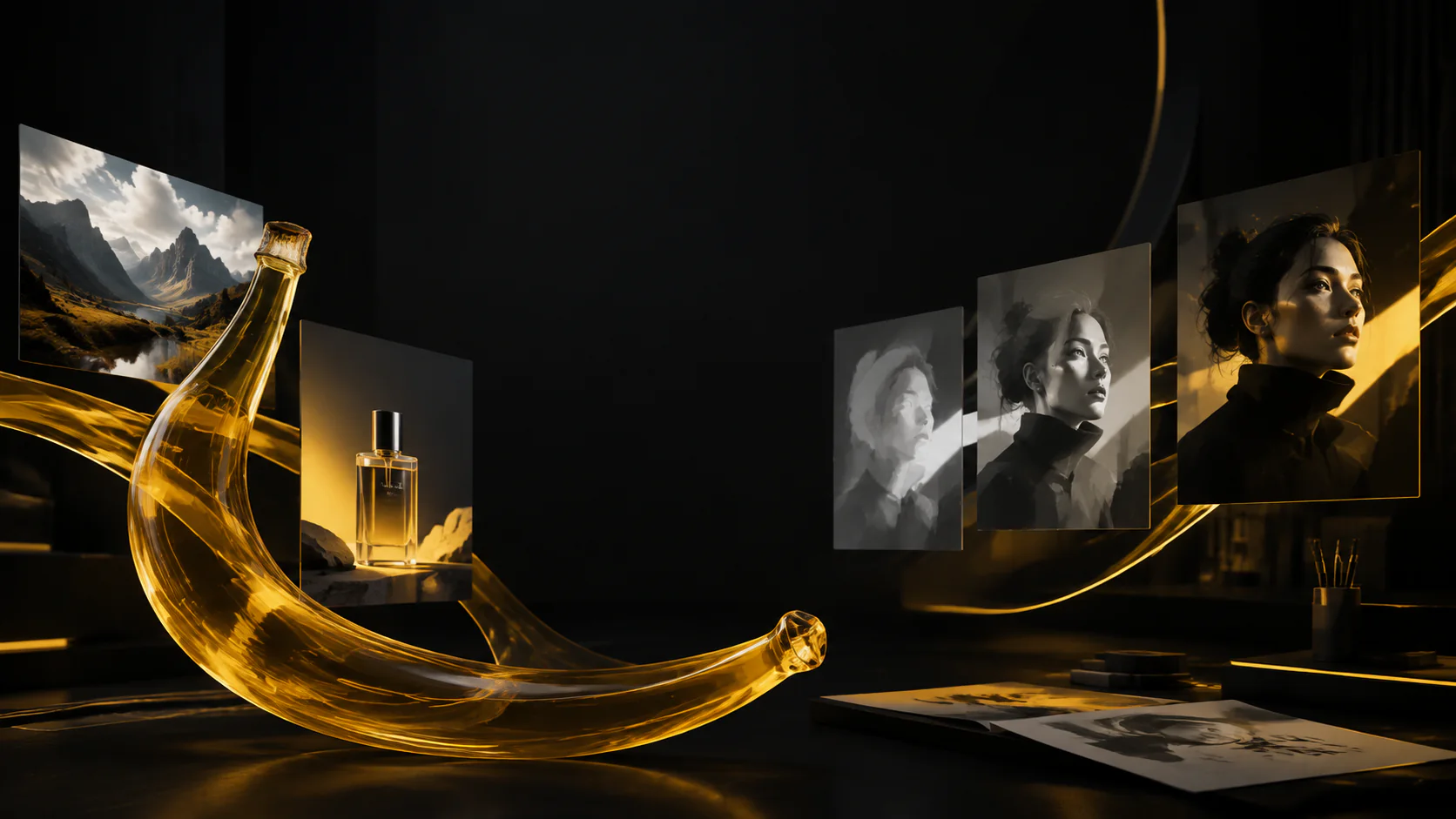
1K, 2K, or 4K output
Draft at 1K, review at 2K, or deliver at 4K without switching to a different workflow.
Turn a prompt or reference images into polished campaign visuals with Gemini 3.1 Flash Image. Work with up to 14 references, Search-grounded knowledge, 14 aspect ratios, and 1K, 2K, or 4K output—without slowing down your creative loop.
Gemini 3.1 Flash Image
Nano Banana 2 is the balanced choice in the family: faster and more economical than Pro, but equipped for high-resolution delivery, reference-heavy edits, current information, and visual text.
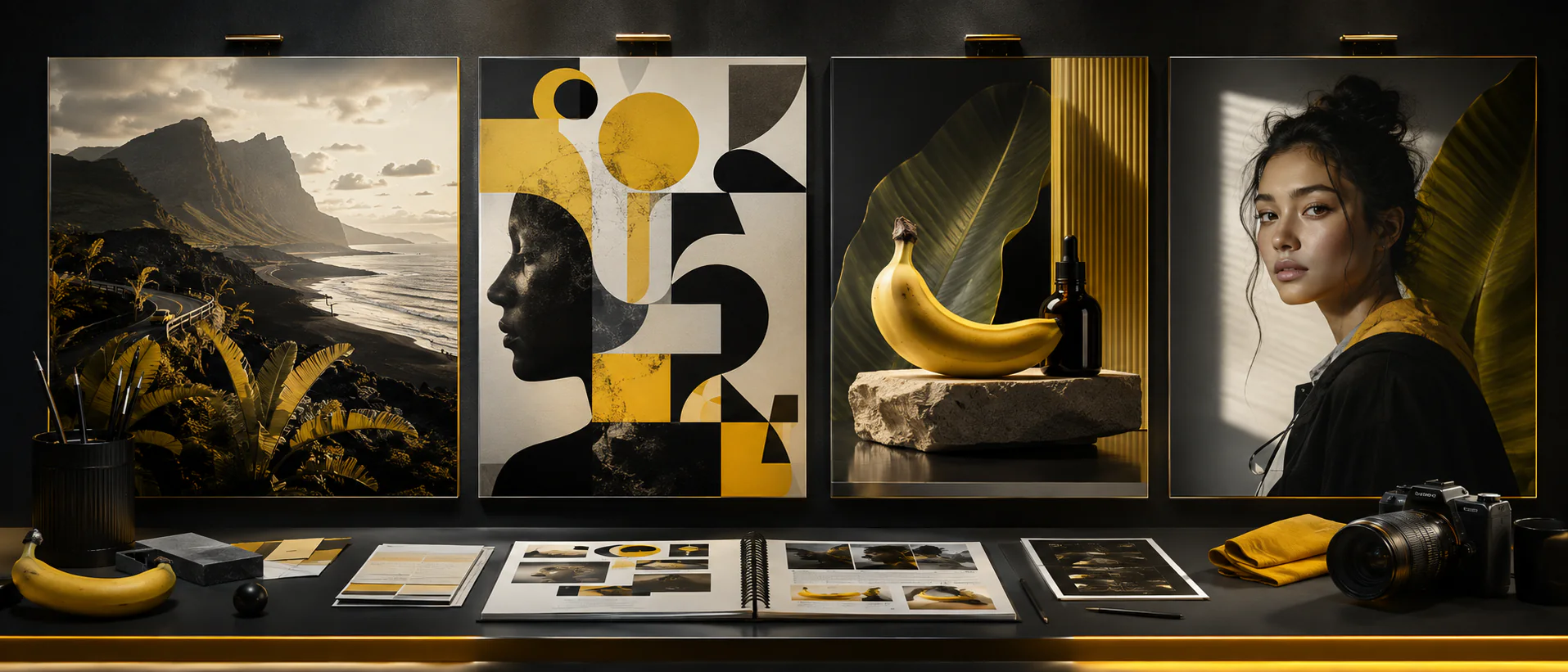
One well-structured brief can carry the same subject, art direction, and finish across an entire visual system.
Draft at 1K, review at 2K, or deliver at 4K without switching to a different workflow.
Use web and image search grounding when a visual depends on current facts, recognizable places, products, or real-world context.
Combine subject, product, setting, material, lighting, style, and layout references in one generation. Give every image a clear role for cleaner results.
Keep characters, products, colors, and defining details recognizable as the pose, scene, crop, or format changes.
Compose natively for social posts, covers, posters, banners, and extreme panoramic or vertical placements instead of relying on a late crop.
Create stronger in-image typography, localize existing visuals, and follow detailed instructions about what should change—and what should not.
Nano Banana 2 use cases
Choose Nano Banana 2 when you need several connected assets to share the same subject, product identity, or creative direction.
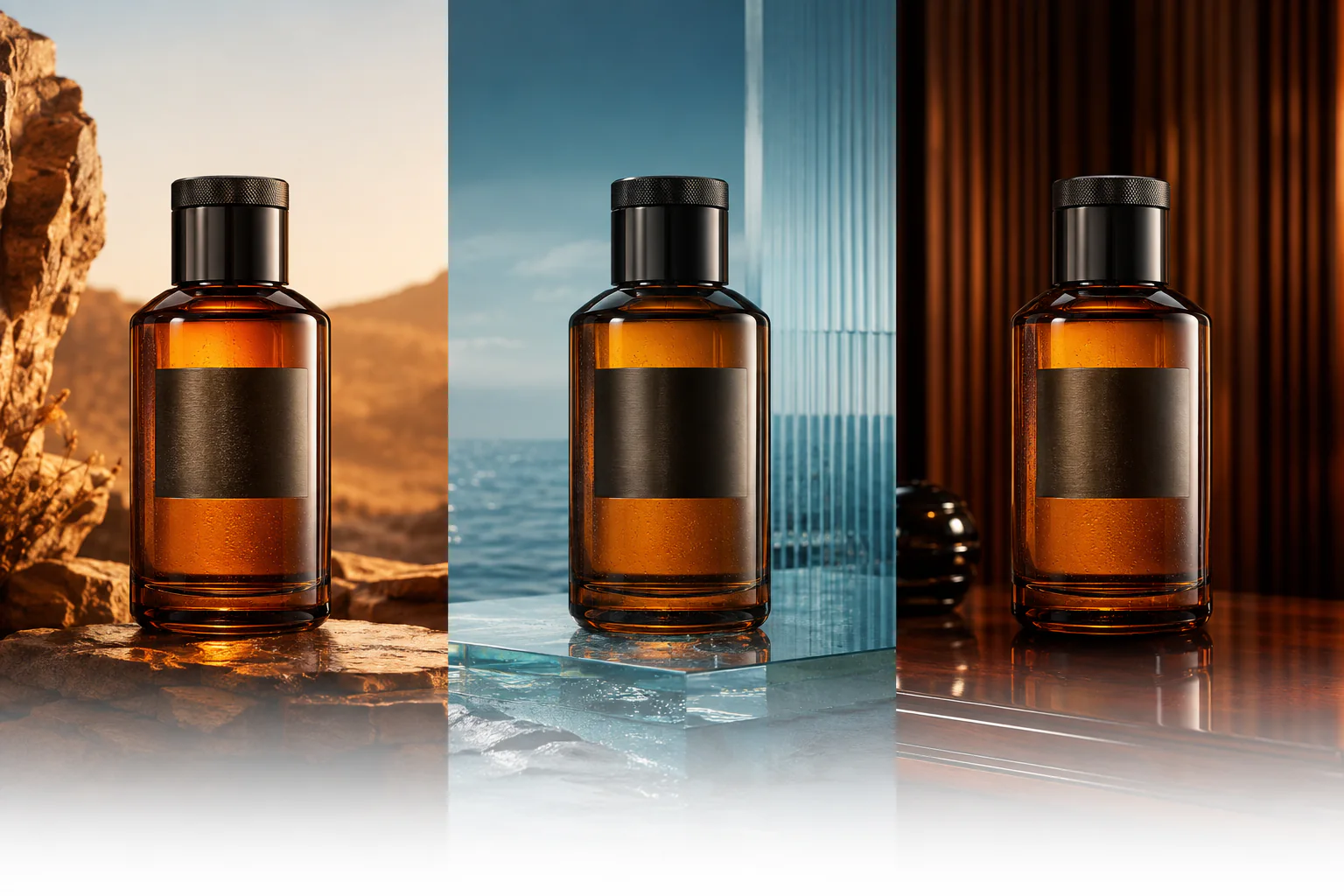
Preserve shape, material, color, and label placement while changing the environment, crop, audience, or creative direction. Always proofread generated packaging copy.
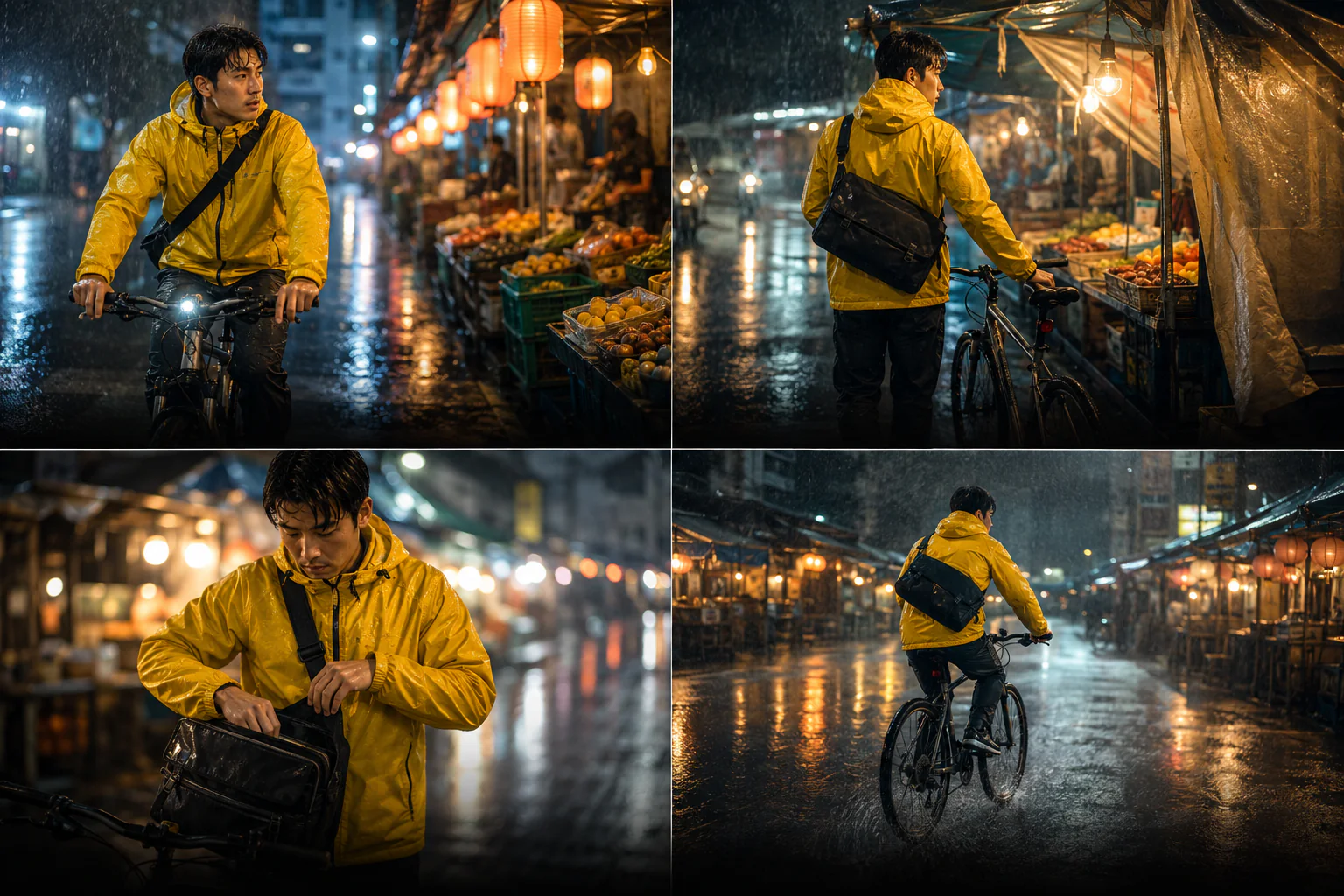
Anchor the face, wardrobe, props, and setting with clear references, then vary pose, framing, expression, and action without losing continuity.
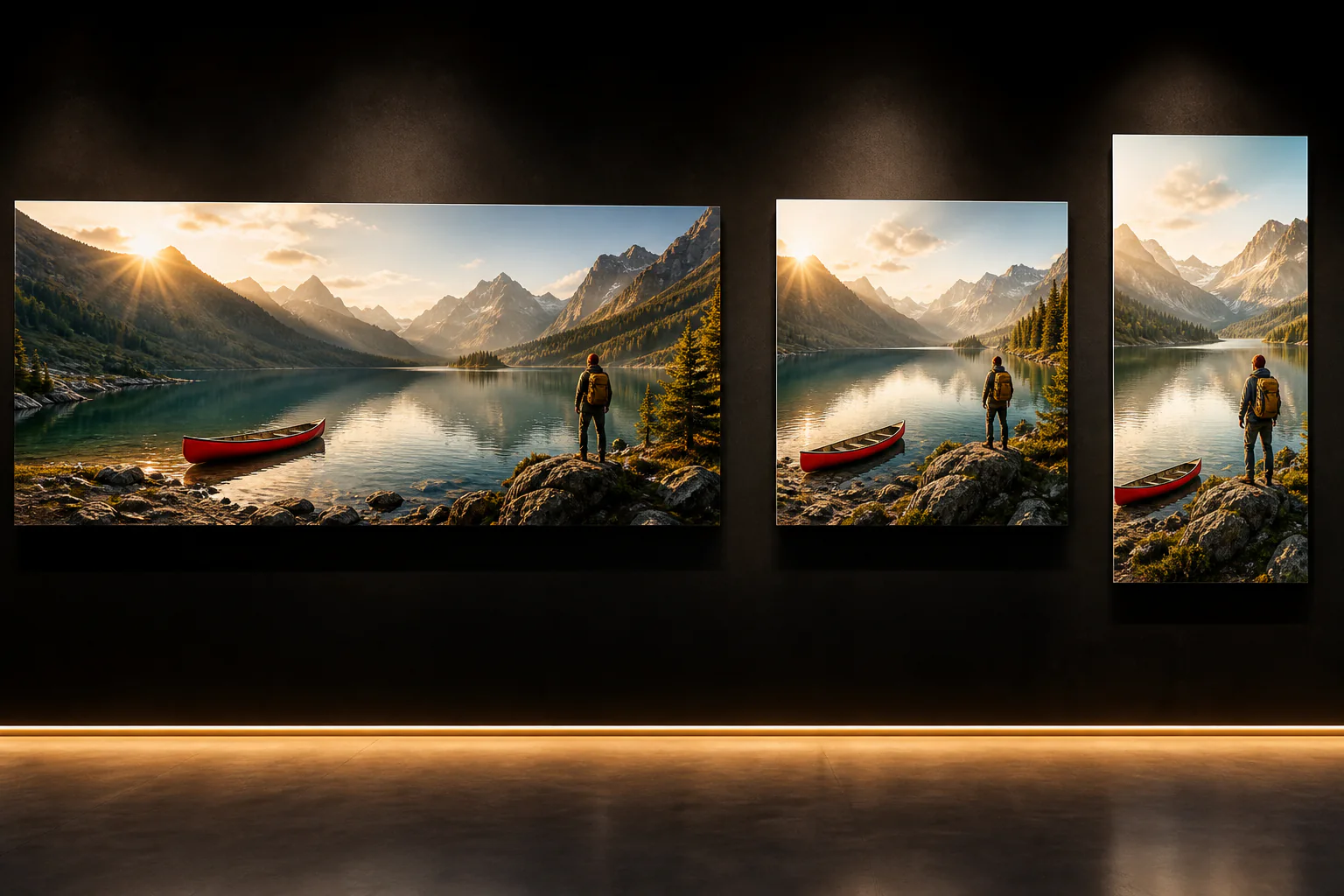
Build an ultra-wide banner, square post, and tall poster around the same hierarchy while giving every canvas a deliberate composition.
How to use Nano Banana 2
The best results come from a clear deliverable, purposeful references, explicit constraints, and one review decision at a time.
01
Use a prompt for a fresh composition. Add images when a person, product, location, layout, or visual style needs to stay recognizable.
02
Label references by job: identity, geometry, material, palette, lighting, camera angle, composition, or style.
03
Choose resolution and aspect ratio, then separate the requested changes from the details that must remain fixed. Put exact text in quotes.
04
Check identity, hands, geometry, small text, edges, and composition. Change one thing per round so you can judge the improvement clearly.
Nano Banana 2 prompt guide
Name the deliverable first, connect each reference to a decision, describe the composition, and finish with the constraints that protect the result.
Multi-format campaign prompt example
DELIVERABLE — A premium travel campaign in three coordinated formats: 8:1 banner, 1:1 social post, and 1:4 poster. SCENE — Alpine lake at golden hour with the red canoe from @Image 1, the hiker from @Image 2, and the warm editorial grade from @Image 3. COMPOSITION — Recompose the subject hierarchy for each canvas; do not simply crop one image. Keep the canoe, hiker, mountain silhouette, light direction, and palette consistent. FINISH — Photorealistic, natural texture, crisp edges, restrained contrast. Leave clean copy space. No text, logos, watermarks, extra people, or duplicate canoes.
Lead with the deliverable
Say whether you need a product shot, storyboard, poster, banner, editorial image, or localized campaign asset.
Describe how the parts work together
Explain the relationship between the subject, camera, light, materials, environment, and every reference image.
Separate changes from locked details
For edits, name the one variable you want to change, then repeat the identity, geometry, pose, and framing that must stay fixed.
Quote and proofread every word
Provide exact copy in quotation marks, ask for it once, and verify every character before publishing the design.
Nano Banana model comparison
Compare output resolution, reference allowance, aspect-ratio range, turnaround target, and credit use across the Nano Banana family.
Choose the right Nano Banana model
Use it for day-to-day production when you need speed, Search grounding, flexible formats, and up to 4K output. Choose Lite for the cheapest 1K exploration or Pro for the most demanding final asset.
Generate or edit at 1K, 2K, or 4K with up to 14 references, 14 aspect ratios, and Search grounding.
Create with Nano Banana 2Google introduced Nano Banana 2 on February 26, 2026 as its fast, versatile image model with stronger world knowledge, text rendering, consistency, and production controls.
Read Google's announcementImproved consistency and text rendering do not remove the need for review. Verify identity, factual details, brand assets, small type, and legal copy before publishing.
Nano Banana 2 FAQ
Quick answers about the model, output sizes, reference images, aspect ratios, Search grounding, and text rendering.
Nano Banana 2 is Google's name for Gemini 3.1 Flash Image. It is the versatile all-rounder in the Nano Banana family, balancing speed, quality, world knowledge, text rendering, and subject consistency.
This generator offers 1K, 2K, and 4K output for quick drafts, everyday creative work, and high-resolution delivery.
You can upload up to 14 supported reference images in one task. Give each image a specific role and remove any reference that does not affect the result.
Choose auto, 1:1, 2:3, 3:2, 3:4, 4:3, 4:5, 5:4, 9:16, 16:9, 21:9, 4:1, 1:4, 8:1, or 1:8. Extreme wide and tall formats work especially well for banners and posters.
It is designed for stronger text rendering and in-image localization, but small type, spelling, and spacing can still fail. Proofread every production asset and add critical legal or pricing copy in a design tool.
Create with Nano Banana 2
Choose a format, give each reference a job, lock the details that matter, and move from concept to polished 4K direction at Flash speed.