
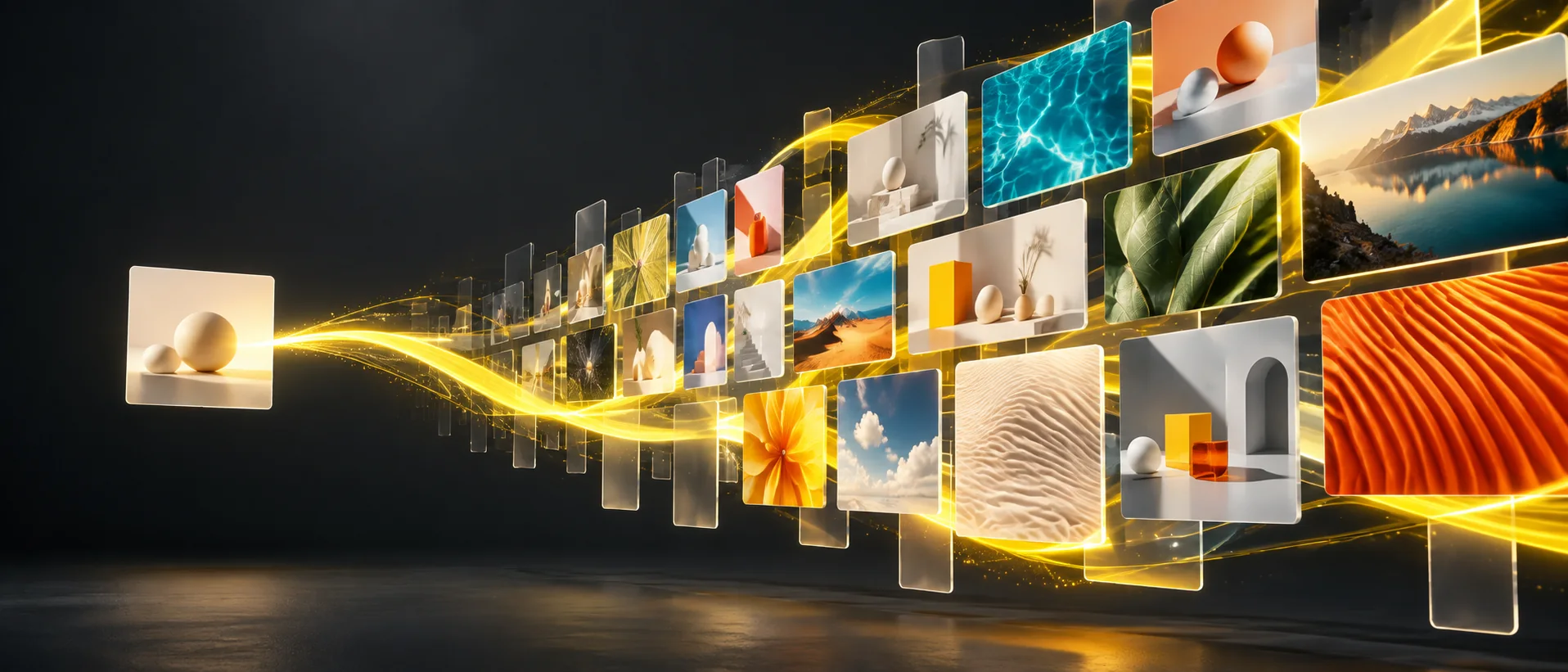
Designed for ultra-low latency
The model targets sub-2 second end-to-end latency, helping you move quickly through prompt tests, composition options, and lightweight edits.
Create fast, affordable 1K images with Gemini 3.1 Flash Lite Image. Start from a prompt or up to 10 references, choose from 14 aspect ratios, and generate each option for just 4 credits—ideal for testing more directions before committing to a final.
Gemini 3.1 Flash Lite Image
Nano Banana 2 Lite is the speed-and-value model in the family. It targets sub-2 second model latency, supports rapid generation and local edits, and keeps every output at a practical 1K resolution.
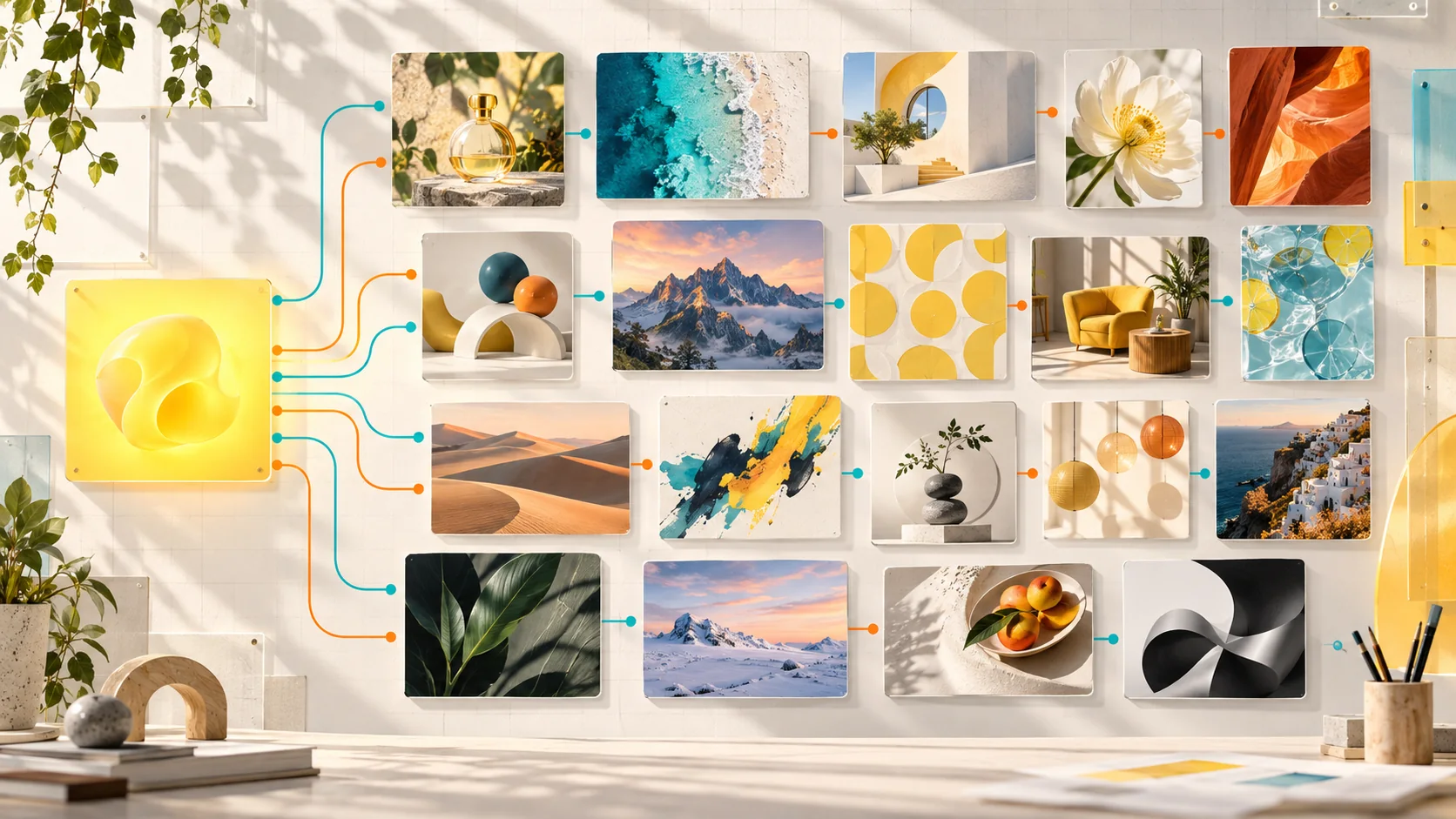
Explore widely at 1K, then move the winning direction to Nano Banana 2 or Pro only when the final needs more resolution or control.
The model targets sub-2 second end-to-end latency, helping you move quickly through prompt tests, composition options, and lightweight edits.
Generate at 1K for 4 credits per image. Lite is optimized for efficient 1K work and does not offer 2K or 4K output.
Start from a prompt or guide the result with up to 10 supported reference images.
Compose directly for square, portrait, landscape, poster, banner, and panoramic placements—including 1:8, 1:4, 4:1, 8:1, and 21:9.
Swap colors, adjust backgrounds, create sticker-style assets, and refine a visual through short, targeted changes.
Maintain recognizable characters across variations while always-on SynthID and C2PA add provenance signals to generated images.
Nano Banana 2 Lite use cases
Lite is made for the early and repeatable parts of creative work: product batches, channel variations, style tests, thumbnails, and quick edits.
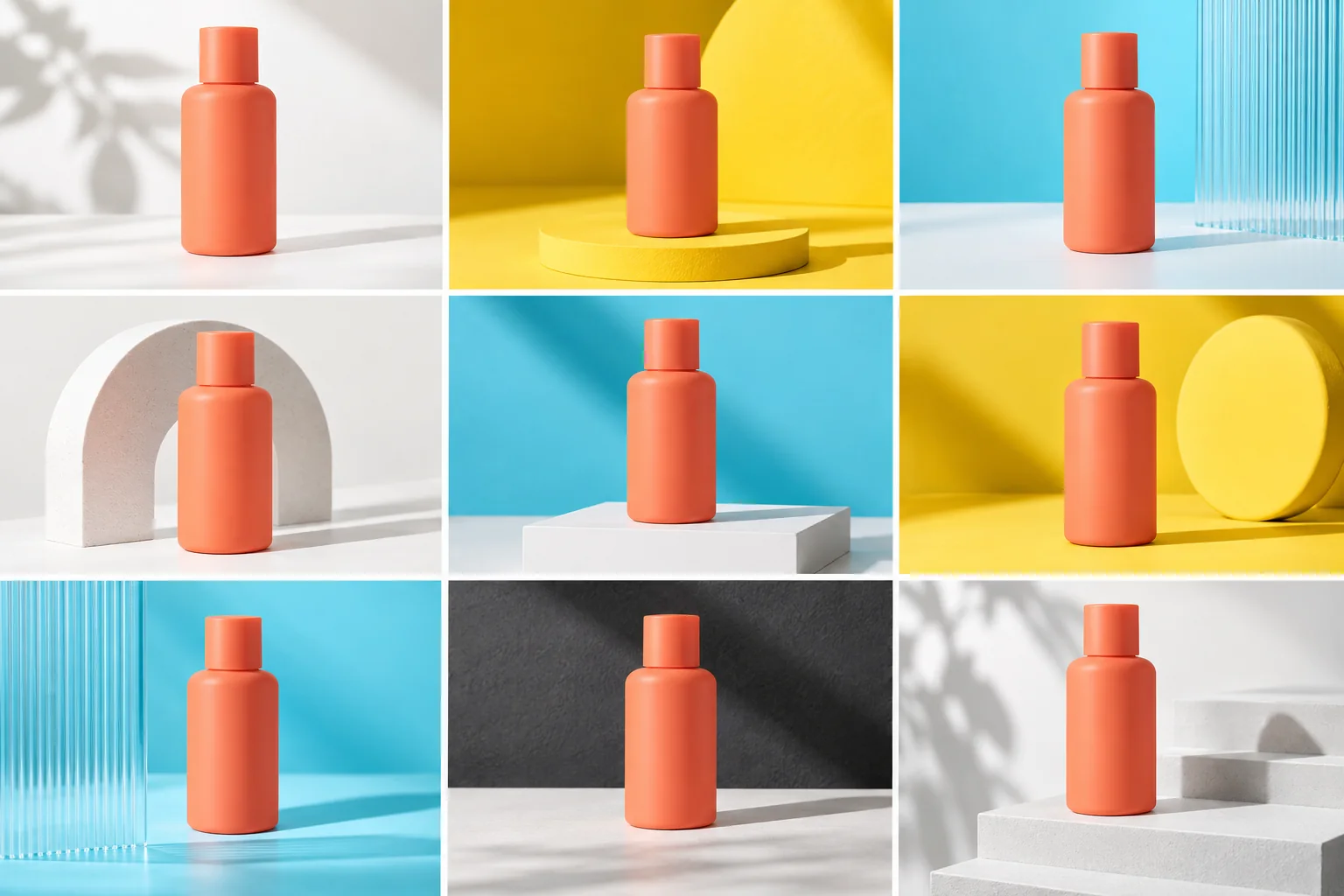
Keep the product recognizable while testing backgrounds, props, lighting, crops, and channel-specific art direction across a larger asset queue.
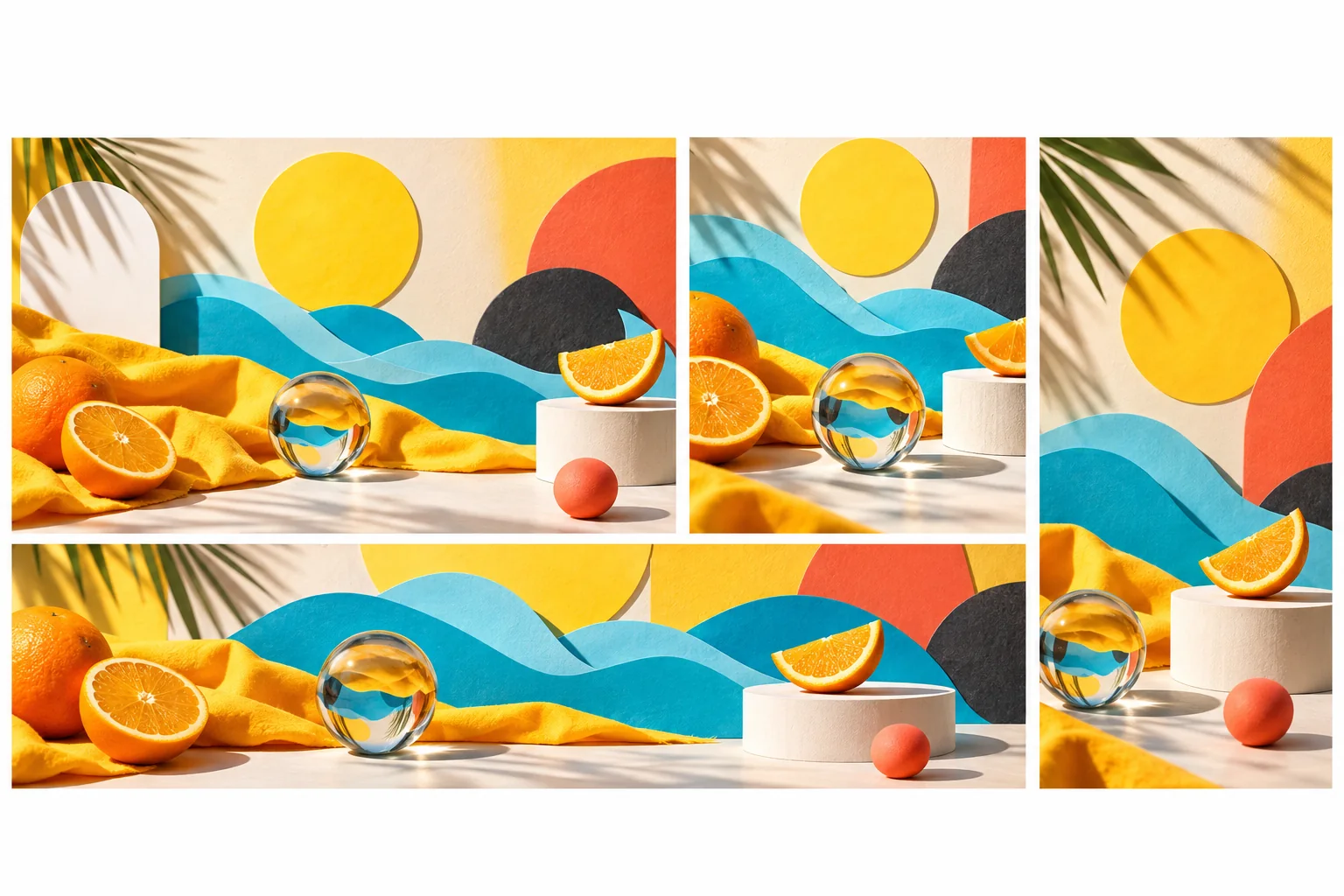
Explore square, vertical, wide, and panoramic layouts around the same visual idea instead of forcing one crop to fit every channel.
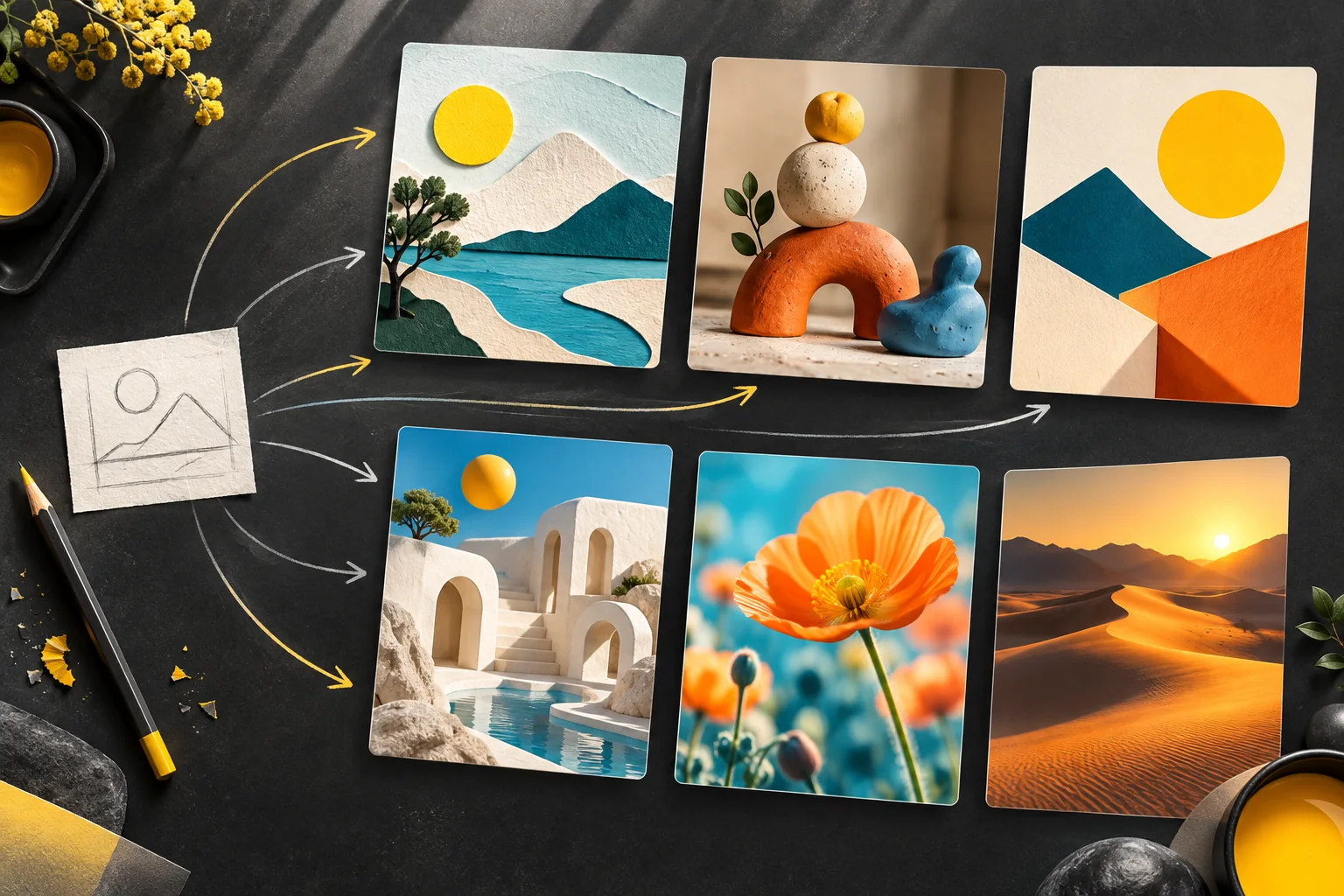
Compare styles, palettes, subjects, and composition ideas for fewer credits, then carry the winner into Nano Banana 2 or Pro when you need higher resolution or Search grounding.
How to use Nano Banana 2 Lite
Choose one creative decision, give every reference a job, lock the essentials, and compare focused 1K variations before moving on.
01
Use text for a new visual, or add images when a subject, product, layout, material, or style needs to stay recognizable.
02
State which image controls identity, shape, palette, lighting, composition, or style instead of leaving the relationship open to guesswork.
03
Select auto or a ratio from 1:8 to 8:1 so the composition is designed for the final placement instead of cropped afterward.
04
Test a focused change to color, background, material, framing, or style. Keep the strongest option and use it as the next baseline.
Nano Banana 2 Lite prompt guide
Name the asset, define the canvas, connect each reference to a decision, and separate the current variable from the details that must stay fixed.
Fast ecommerce variation prompt example
DELIVERABLE — A coordinated set of 1K ecommerce product images in 1:1 format. REFERENCE — Use @Image 1 for the exact coral bottle. Preserve its silhouette, cap height, matte material, color, and proportions. VARIATION — Explore three simple studio directions: banana-yellow paper shapes, cyan frosted acrylic, and warm-white architectural blocks. Change only the set, props, crop, and light direction. FINISH — Clean product photography, crisp edges, believable contact shadow, generous padding. Blank bottle only; no labels, text, logos, hands, duplicate products, or watermark.
Ask for one clear deliverable
Name a catalog image, thumbnail, social post, sticker, background edit, or style test so the model can optimize for one purpose.
Link references to decisions
Assign explicit roles such as exact subject, product shape, lighting, color palette, composition, or visual style.
Name what changes and what stays fixed
Define the variable for this round, then repeat the shape, identity, pose, material, or layout that must remain stable.
Keep comparison rounds controlled
Evaluate one difference at a time so fast output leads to a clear choice instead of a pile of unrelated images.
Nano Banana model comparison
Compare output resolution, reference allowance, aspect-ratio range, turnaround target, and credit use across the Nano Banana family.
Choose the right Nano Banana model
Use Lite for 1K exploration and repeatable variations. Move to Nano Banana 2 when you need Search grounding or 4K, and choose Pro when precision and final quality matter more than cost.
Generate or edit each 1K image for 4 credits with up to 10 references and 14 aspect ratios plus auto.
Create with Nano Banana 2 LiteChoose Nano Banana 2 for 1K–4K output and Search grounding, or Nano Banana Pro for complex, quality-first final assets and precision control.
Compare Nano Banana 2Google describes Nano Banana 2 Lite as the efficiency specialist for ultra-low-latency, cost-effective image generation and editing.
Open Google model documentationNano Banana 2 Lite FAQ
Quick answers about speed, 1K output, reference images, aspect ratios, Search grounding, and when to move to another model.
Nano Banana 2 Lite is Google's name for Gemini 3.1 Flash Lite Image, the fastest and most cost-efficient model in the Nano Banana family for 1K generation and editing.
The model targets sub-2 second end-to-end latency. Actual completion time can vary with request complexity, traffic, upload time, and network conditions.
Nano Banana 2 Lite is optimized for 1K output. This generator does not offer 2K or 4K for the Lite model.
You can upload up to 10 supported reference images, or use no references for pure text-to-image generation.
Choose auto, 1:1, 1:4, 1:8, 2:3, 3:2, 3:4, 4:1, 4:3, 4:5, 5:4, 8:1, 9:16, 16:9, or 21:9.
No. Choose Nano Banana 2 or Nano Banana Pro when current facts, real-world context, or Search-grounded visual information are central to the result.
Create with Nano Banana 2 Lite
Generate for 4 credits per image, keep each round focused, and find a strong 1K direction at the fastest Nano Banana pace.