
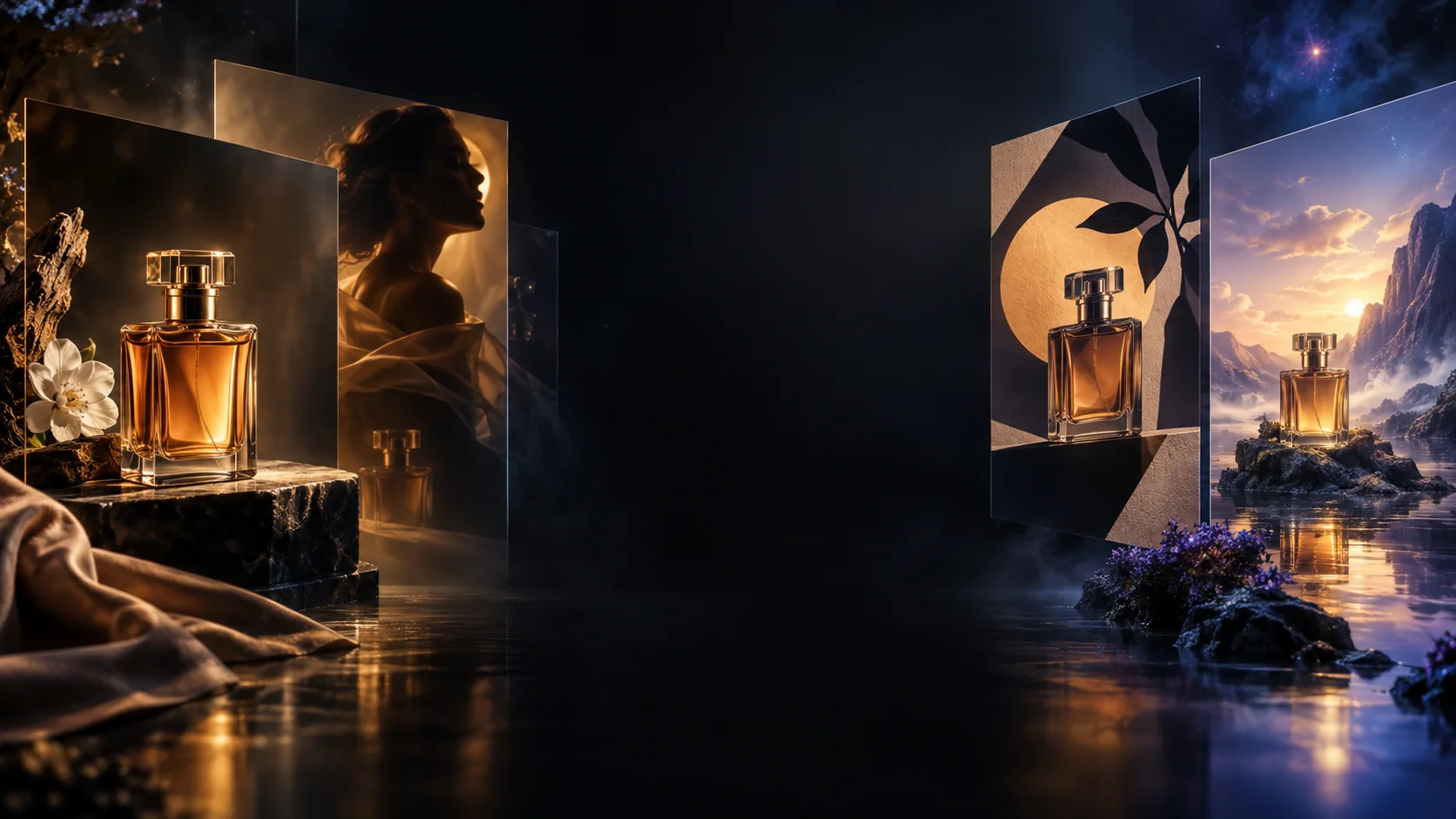
Sunburst for detailed work
GPT Image 2.6 Sunburst accepts text and image inputs for detailed compositions and editing. Use a precise brief when product shapes, characters or layout details matter.
Create detailed images, refine product shots and bring ideas to life with GPT Image 2.6. Explore Sunburst for precise visual work, Flare for fast iteration, and new creative possibilities with animated GIFs and SVG graphics.
Choose a workflow around the asset you need: a detailed composition, a quick variation, a reusable vector or a short animation.
GPT Image 2.6 Sunburst accepts text and image inputs for detailed compositions and editing. Use a precise brief when product shapes, characters or layout details matter.
GPT Image 2.6 Flare is designed for interactive creation and editing. OpenAI reports generation in as little as six seconds at low quality; actual latency varies.
The Image API adds GIF loops and static SVG output through image generation. These formats are not available through the image edit endpoint and do not support streaming.
Markup can indicate where to edit. The complexity setting controls planning, separately from quality. Start with low complexity for focused edits; compare higher settings for demanding scenes.
Separate what must stay from what should change. Use this product brief to turn a reference photo into a polished studio image.
Example: change a product background
Edit the supplied product photo. Keep the navy backpack’s shape, seams, zippers, logo and camera angle. Replace only the background with a warm gray studio wall. Add soft light from the left and a natural contact shadow. Show the entire backpack with even margins. Do not add accessories or text.
State the fixed details
Name the parts, colors and framing to preserve. Compare the output with the original before publishing.
Make one clear change
Describe the requested edit first. For animation, also specify the motion and how the loop returns to its starting pose.
Yes. OpenAI announced Images 2.6 on November 4, 2026, for ChatGPT, Codex and the API. The API models are gpt-image-2.6-sunburst and gpt-image-2.6-flare.
The 2.6 release adds complexity control, SVG generation and animated GIF generation. Markup-guided editing also supports specified 2.5 models, so it is not exclusive to 2.6.
Yes, through the Image API generation endpoint. SVG requires one output per request. GIF requests support 2–64 frames within the model’s pixel limits. Check the official guide for format restrictions.
Standard pricing for both variants is US$5 per million text input tokens, US$8 per million image input tokens and US$30 per million image output tokens. This is not a fixed per-image price. SVG adds authoring-model charges. Image 2 credits are priced separately.
Upload a product reference, describe the background and lighting, and list the details to preserve. Choose your settings, review the credit total and generate. Compare the result with the original, then refine one detail at a time.
Write your prompt, add a reference image and choose your settings. Create a first version, then refine the details.